
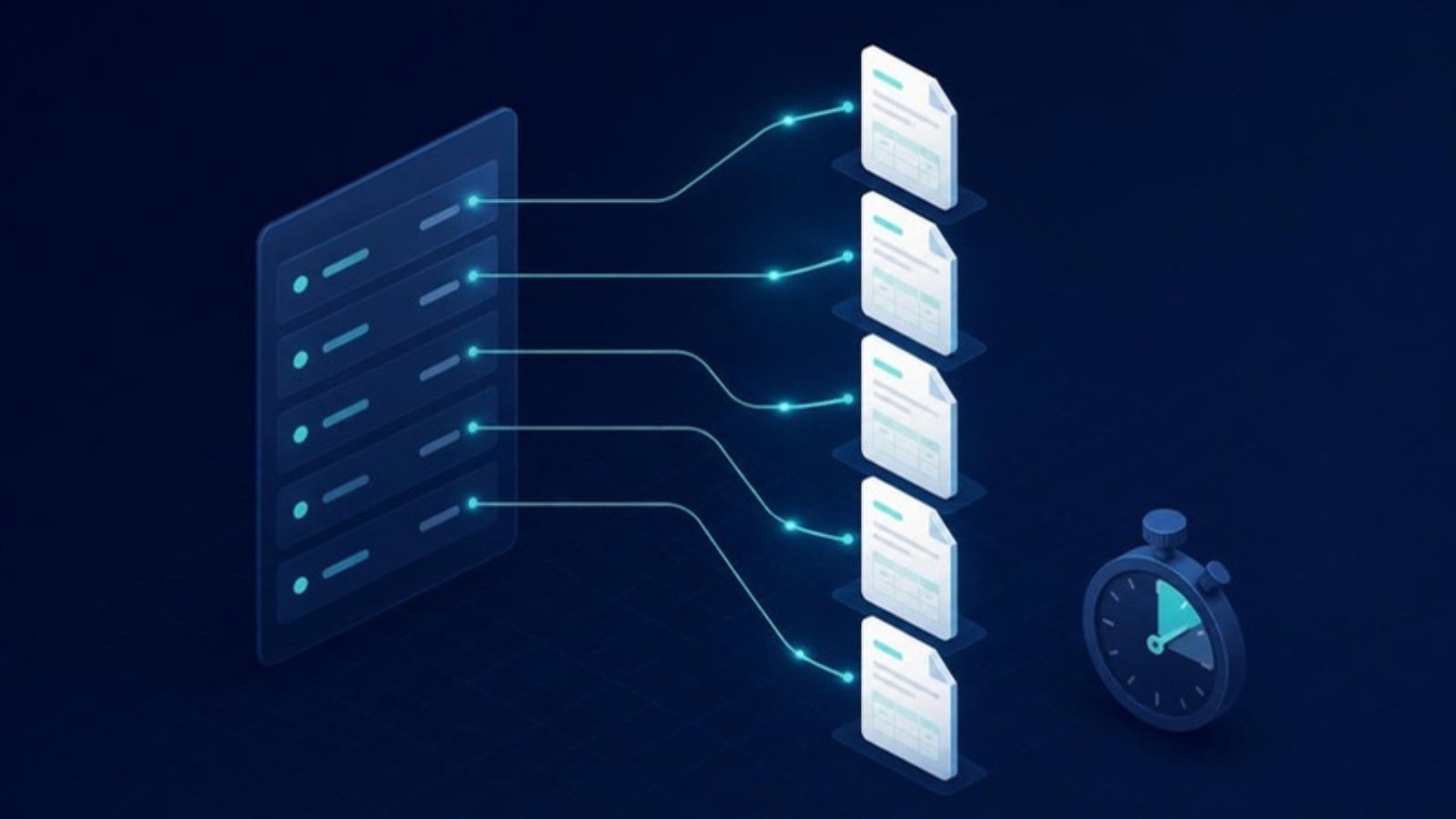
In most finance teams running Sage Intacct without a dedicated bank connector, reconciliation always follows the same path: the bank statement is downloaded manually from each bank's portal, then matched line by line against the ERP's entries. On a busy month, this can add up to several days of work across a team — and it's only finished, at best, a few days after the actual value date (D+3, D+5, sometimes more).
Why manual reconciliation always runs late
Three factors compound each other: the number of accounts and banks to check individually, inconsistent statement formats between institutions, and the lack of any automatic matching rule between a statement line and an open invoice in Sage Intacct. The result: real cash position is never known in real time, which complicates payment decisions and cash forecasting.
What a native EBICS integration changes
By connecting Sage Intacct to banks via EBICS, statements (camt.053) are retrieved automatically as soon as the bank makes them available — no manual login to a portal. Reconciliation then happens the same day (D+0): each statement line is automatically matched against invoices and payments recorded in Sage Intacct, based on amount, reference and counterparty.
What stays under human control
Automation doesn't remove validation: payments generated from approved invoices go through an electronic signature workflow (VEU) before being sent to the bank, and every reconciliation remains reviewable and editable in a real-time dashboard. The goal isn't to remove oversight, but to remove re-keying.
In summary
- Bank statements imported automatically via EBICS, no manual login to bank portals
- Automatic reconciliation against Sage Intacct invoices and payments, same day
- Full traceability: every reconciliation is timestamped and attributable
- Human control stays in place via electronic VEU signature before payment