The Sage Intacct page shows the status of the connection between Arkaio and the Intacct company. During setup, an administrator clicks Authorize connection, then signs in with their Intacct credentials (including two-factor authentication, in Intacct): Arkaio can then read bills and create entries.
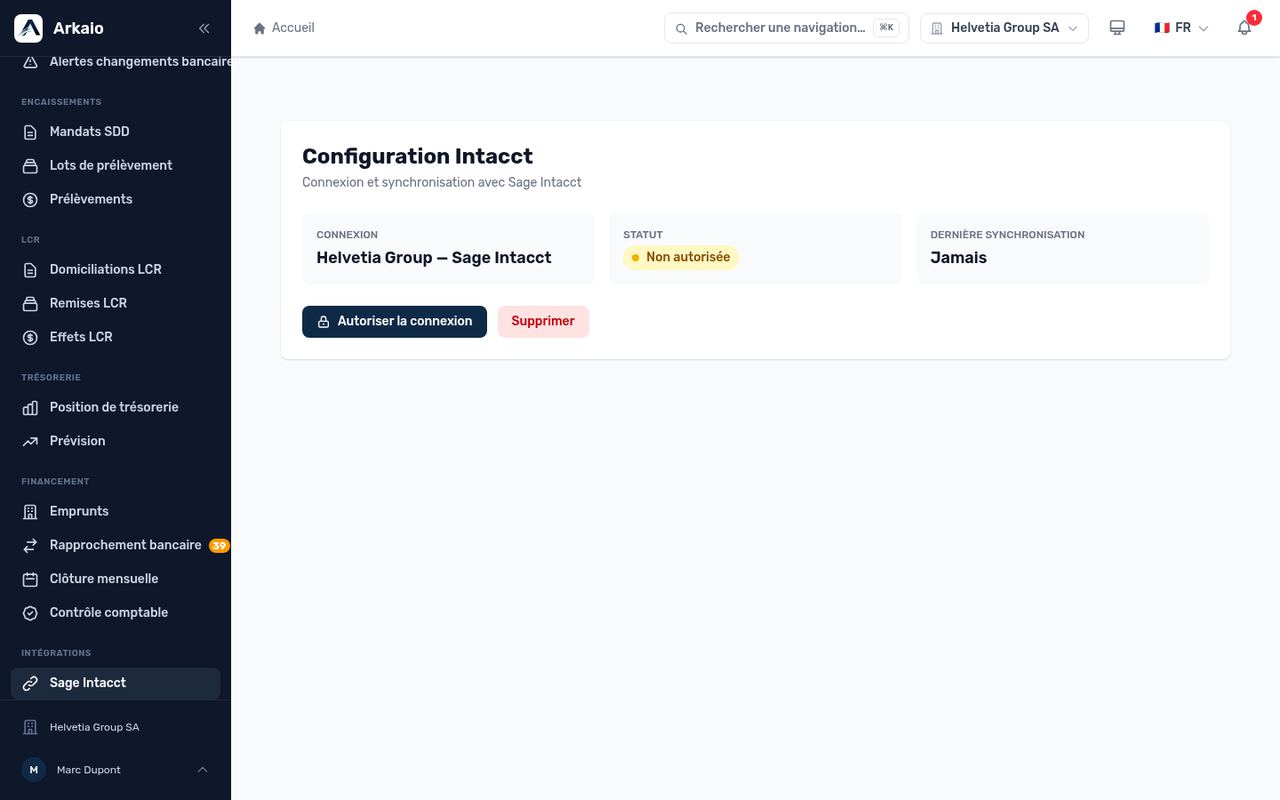
Sage Intacct connection page
Sage Intacct connection
Arkaio connects to Intacct using OAuth. By default, Arkaio's global credentials are used; an organization can configure its own (Client ID, Client Secret, Redirect URI). The secret is encrypted and is never displayed again.
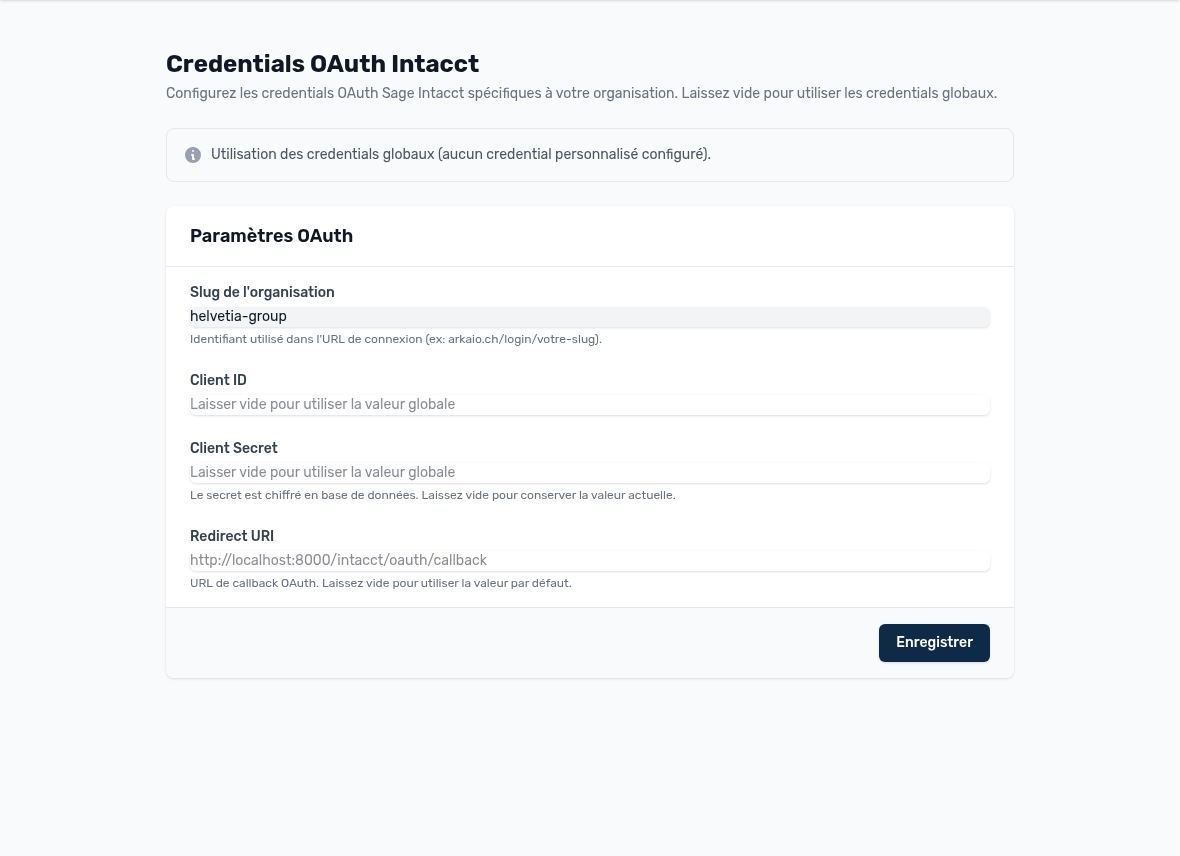
Organization's Intacct OAuth credentials
Intacct connections and authorization
- Open Sage Intacct and click “Authorize connection”.
- The Sage Intacct page opens: as when signing in to Arkaio, sign in with your Intacct credentials (a user with the required permissions), including two-factor authentication.
- Back in Arkaio, the connection switches to “Connected”.
- In “Entity mapping”, map each Arkaio company to its Intacct entity (the parent company can be linked to the top level, which groups all entities).
- Link the bank accounts to the Intacct accounts.
Important — Without entity mapping, bills and payments cannot be assigned to the right company.
Updated on October 17, 2026
Can’t find your answer?
Our support team is here to help.
Contact support