Every day, Arkaio imports bank statements and tries to match each transaction to an Intacct entry (invoice, customer, expense account, and so on).
The review queue
When Arkaio suggests a match but is not certain, the transaction goes to the review queue with a suggestion and a confidence score. You confirm, correct or reject the suggestion.
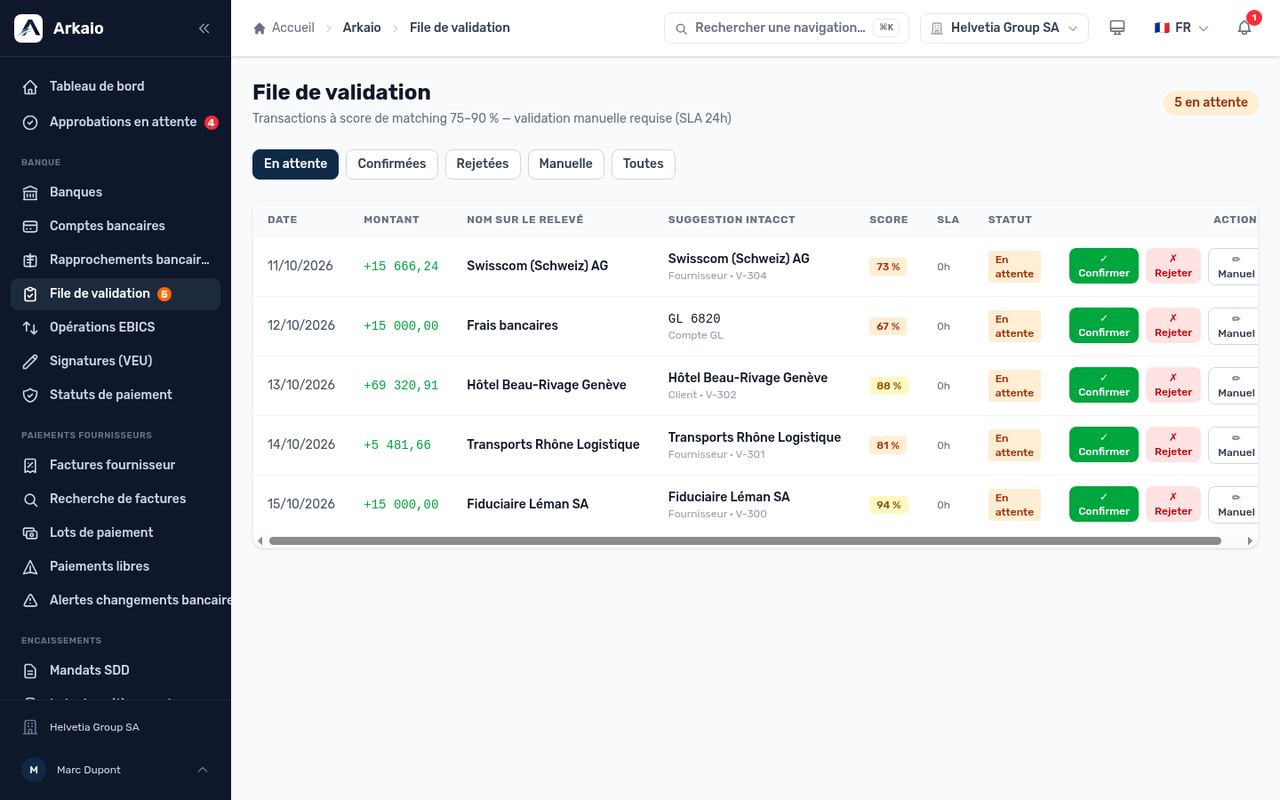
Review queue for bank transactions
- Read the transaction (date, amount, counterparty name).
- Check the suggestion and its score.
- Click Confirm if it is correct.
- Otherwise, choose the right counterparty or account, or click Reject to discard the suggestion.
Updated on October 17, 2026
Can’t find your answer?
Our support team is here to help.
Contact support