
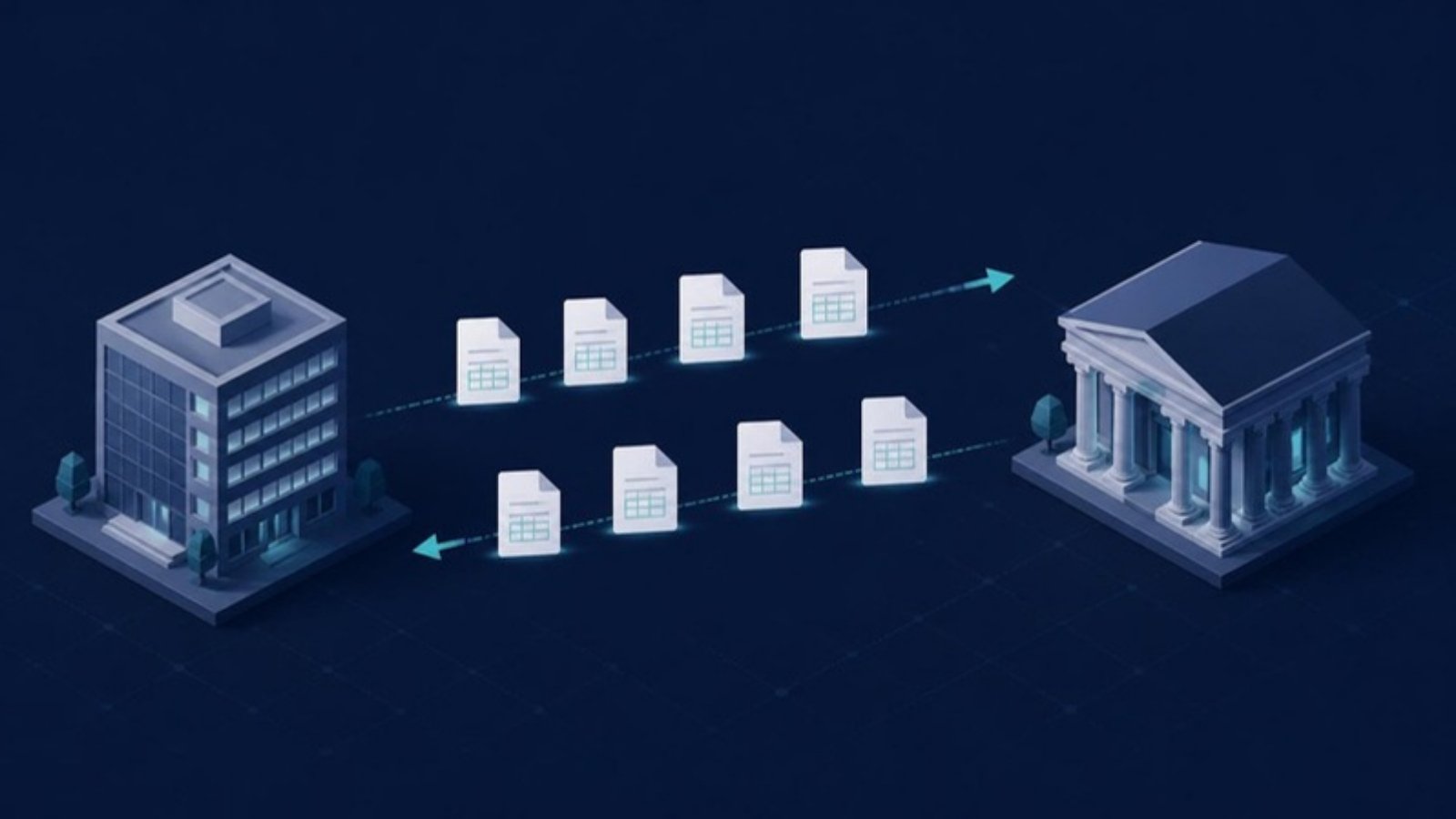
pain.001 and pain.008 are the two ISO 20022 files most widely used to send instructions to a bank in the SEPA area. The names look alike and the XML structure is close, but the flow runs in opposite directions: with pain.001 the company pays, with pain.008 it collects. Mixing them up, or ignoring their specific rules, is a frequent cause of rejections.
pain.001: the SEPA credit transfer
pain.001 (Customer Credit Transfer Initiation) is used to initiate credit transfers. The sender of the file is the payer. It is the format for supplier payments, payroll and transfers between accounts. Each transfer specifies the account to debit, the beneficiary and their IBAN, the amount, the requested execution date and a payment reference.
pain.008: the SEPA direct debit
pain.008 (Customer Direct Debit Initiation) is used to initiate direct debits. This time the sender is the creditor, who collects funds based on an authorization given by the payer: the SEPA mandate. It is the format for subscriptions and recurring customer invoices. The file carries data a credit transfer does not: the SEPA creditor identifier, the unique mandate reference, the mandate signature date and the sequence type (first, recurring, one-off or final collection).
The differences at a glance
| Topic | pain.001 | pain.008 |
|---|---|---|
| ISO 20022 message | Customer Credit Transfer Initiation | Customer Direct Debit Initiation |
| Sender | The payer | The creditor |
| Uses | Suppliers, payroll, internal transfers | Subscriptions, recurring customer invoices |
| Authorization | Order signed by the company | SEPA mandate signed by the payer |
| Key date | Requested execution date | Collection due date |
| Specific data | Payment reference | Creditor identifier, mandate reference, signature date, sequence type |
How a file is structured
Both files share the same three-level architecture:
- Group header: unique message ID, creation date, number of transactions and control sum.
- Payment information blocks: one block per account and per date (and, for pain.008, per sequence type and per CORE or B2B scheme).
- Transactions: one line per transfer or collection, with its end-to-end reference, amount, IBAN and payment reference.
A mismatch between header and detail, such as a wrong number of transactions, is enough to have the whole file rejected.
CORE or B2B direct debit
| Topic | CORE | B2B |
|---|---|---|
| Payers | Consumers and businesses | Businesses only |
| Refund | No questions asked for 8 weeks; up to 13 months if unauthorized | None for an authorized transaction |
| Mandate check by the payer's bank | No | Yes, before execution |
With B2B, the payer must inform its bank of the signed mandate; otherwise the collection is rejected. With CORE, the payer's bank does not check the mandate: the creditor must keep it and be able to produce it if the payer disputes. In both cases, the payer must be notified of the amount and date before collection, 14 days in advance by default unless a shorter period is agreed.
Versions and national variants
The SEPA rulebooks of the European Payments Council (EPC) rely on the 2019 version of ISO 20022: pain.001.001.09 and pain.008.001.08. Some banks still accept the 2009 versions (pain.001.001.03 and pain.008.001.02). In Switzerland, the Swiss Payment Standards define their own pain.001 variant, which also covers QR-bill payments.
A change is coming: from November 2026, fully unstructured addresses are no longer accepted in SEPA payments or in the Swiss standards. At least the town and country must sit in dedicated fields. Check the exact timeline with your bank.
The most common rejection causes
- Invalid IBAN (wrong check digits) or closed account.
- Missing BIC where required: it is optional between EEA countries, but still needed for some non-EEA SEPA countries such as Switzerland.
- Number of transactions or control sum inconsistent with the detail.
- Message ID already used: the bank rejects the file as a duplicate.
- Execution date in the past, or collection date too close: a direct debit must reach the bank no later than one business day before the due date (D-1).
- Creditor identifier badly formatted or placed in the wrong part of the file.
- Missing mandate data (reference, signature date) or a B2B mandate not confirmed with the payer's bank.
Immediate rejections arrive in the pain.002 status report (see tracking payment status with pain.002). Later returns and refunds show up on camt.053 and camt.054 statements.
The full flow, from Sage Intacct to the bank
- A supplier invoice is approved, or a customer due date with an active mandate arrives.
- The pain.001 or pain.008 file is generated depending on the direction of the flow.
- Compliance checks run: IBAN, BIC, mandate, dates.
- The file is signed and sent to the bank, for example over EBICS.
- The pain.002 status is retrieved: accepted, rejected or partially accepted.
- The bank statement confirms settlement and feeds reconciliation.
How Arkaio generates them
From Sage Intacct, an invoice approved and selected for payment generates a pain.001; each batch gets a unique identifier, carried into the file, which prevents duplicates. IBAN and BIC are checked before payment, and a non-compliant invoice cannot be selected. On the collections side, Arkaio manages CORE and B2B mandates (manual or electronic signature, import of existing mandates) and generates pain.008 files with the invoice number as reference, so each collection can be matched to its invoice. pain.002 statuses are retrieved automatically. More on the supplier payments and SEPA direct debit pages for Sage Intacct.
Frequently asked questions
Can one file contain both credit transfers and direct debits?
No. A pain.001 contains only credit transfers, a pain.008 only direct debits. A direct debit file also does not mix CORE and B2B in the same block.
Is the BIC mandatory?
Not for a SEPA payment between two EEA countries: the IBAN is enough. It is still required for payments involving a non-EEA SEPA country such as Switzerland or the United Kingdom.
Which pain.001 version should I use?
The one your bank expects. The 2019 version (pain.001.001.09) is the current reference; ask your bank for its implementation guide.
In summary
- pain.001 initiates credit transfers (the sender pays), pain.008 initiates direct debits (the sender collects on a mandate).
- B2B direct debit requires the payer's bank to know the mandate; CORE gives the payer an 8-week refund right.
- Most rejections come from basic data: IBAN, BIC, dates, mandate, file consistency.
- Structured addresses become the rule from November 2026.