Bank signing mode
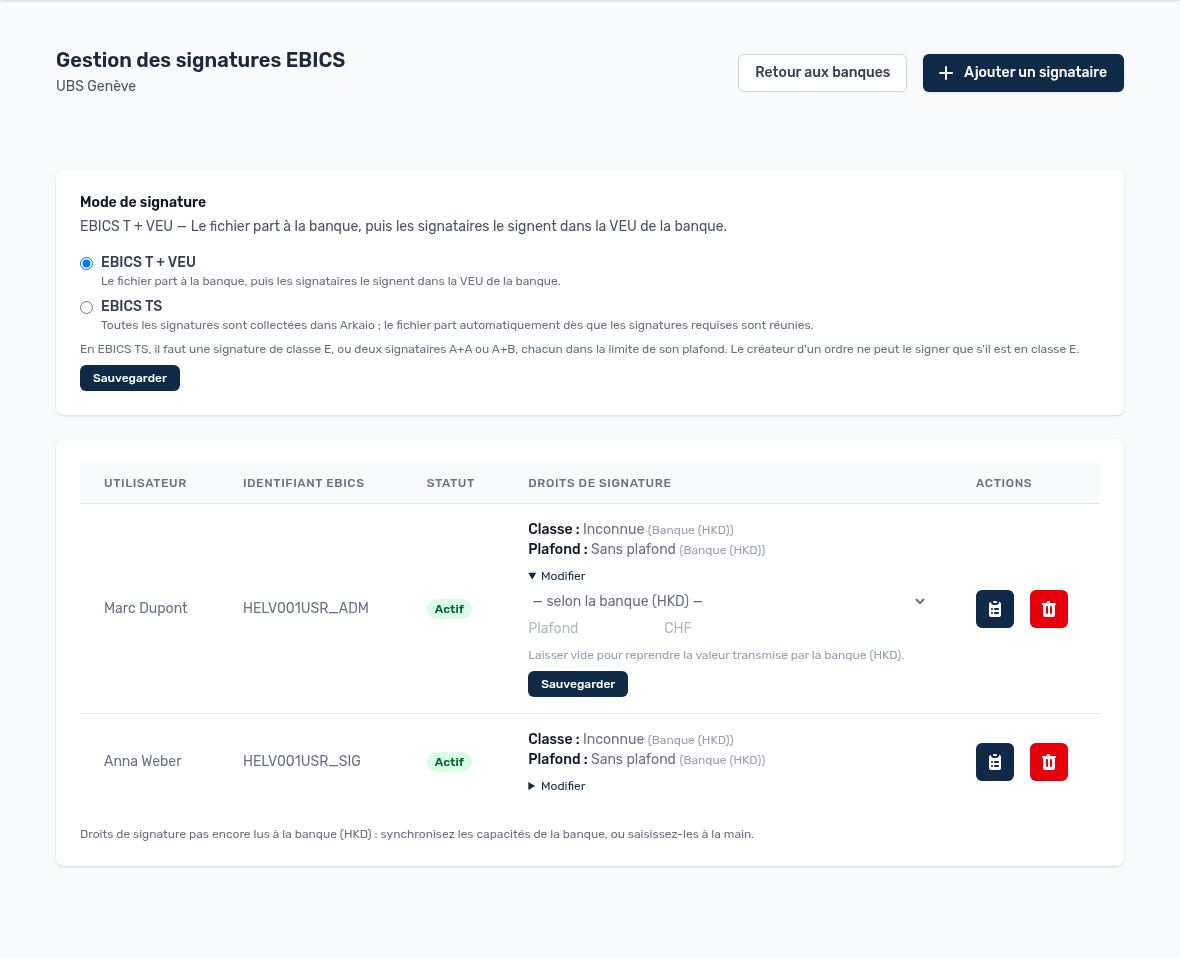
A bank's EBICS signatories and editing of rights
| Mode | How it works | When to use it |
|---|---|---|
| EBICS T + VEU | Arkaio transmits the file; signatories then sign in the bank's VEU (or from Arkaio, in the Signatures menu). | Transport contract (T) with the bank. |
| EBICS TS | All signatures are collected in Arkaio; the file is sent automatically once the required signatures are complete. | Signature contract (TS): requires one class E signature, or two signatures A+A or A+B. |
Signature classes and limits
| Class | Meaning |
|---|---|
| E | Single signature: one signature is enough. |
| A | First signature: must be completed by another A or B signature. |
| B | Second signature: not sufficient on its own, completes an A signature. |
| T | Transport only: can send files but does not sign. |
The class and limit are normally read from the bank ("HKD" information sent by the bank). The Edit link lets you enter them manually as long as the bank has not sent them; leaving the field blank applies the bank's value. With EBICS TS, the creator of an order can sign it themselves: with class E, their signature is enough; with class A, a second signatory (A or B) must complete it.
Important — The rights entered in Arkaio must reflect the contract signed with the bank: if Arkaio considers a signatory to be class E while the bank has registered them as class A, the bank will reject the order.
Add and initialize a signatory
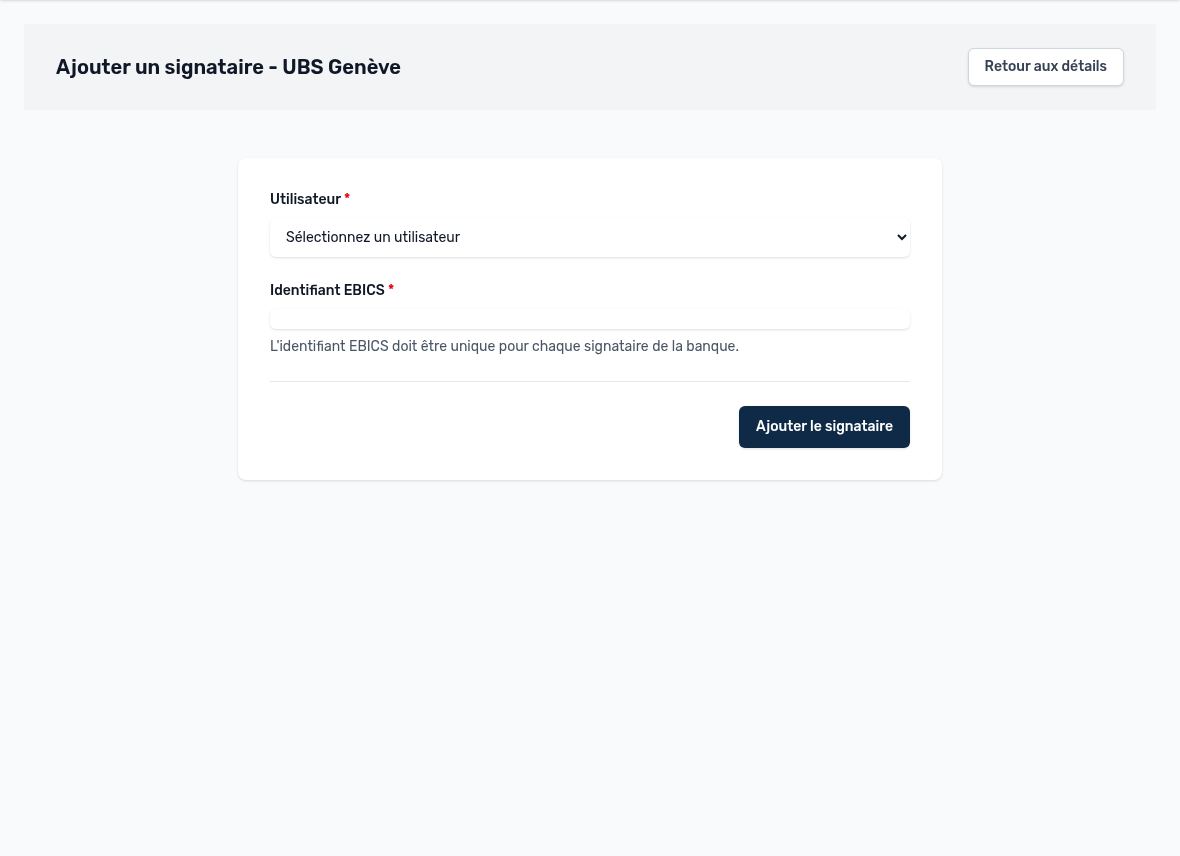
Adding a signatory: user and EBICS ID provided by the bank
- Add the signatory: choose the user and enter the EBICS ID (UserID) provided by the bank.
- Click "Initialize certificates": Arkaio generates the keys and sends them to the bank.
- Print the initialization letter, have the signatory sign it and send it to the bank.
- Once the bank has activated access, synchronize the bank's capabilities to retrieve classes and limits.
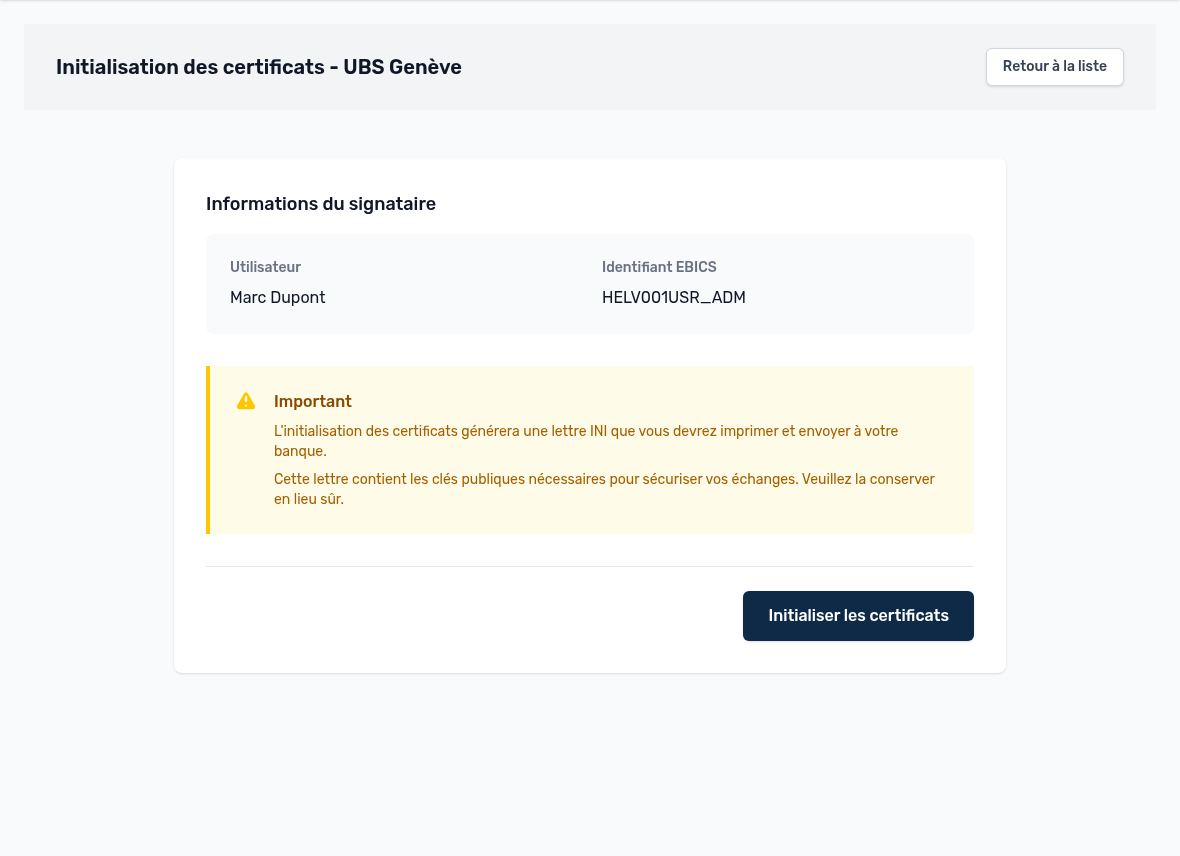
Initializing a signatory's certificates
Tip — If the "Require a passkey to sign" option is enabled, each signatory must register their passkey (security key, fingerprint, Face ID) before signing for the first time.
To link bank accounts to Intacct accounts, see Bank accounts.
Updated on October 17, 2026