Sign an order
Once sent, a payment order may require one or more electronic signatures (VEU) before the bank executes it. The Signatures (VEU) page lists pending orders bank by bank: amount, number of signatures already applied and signatures still required.
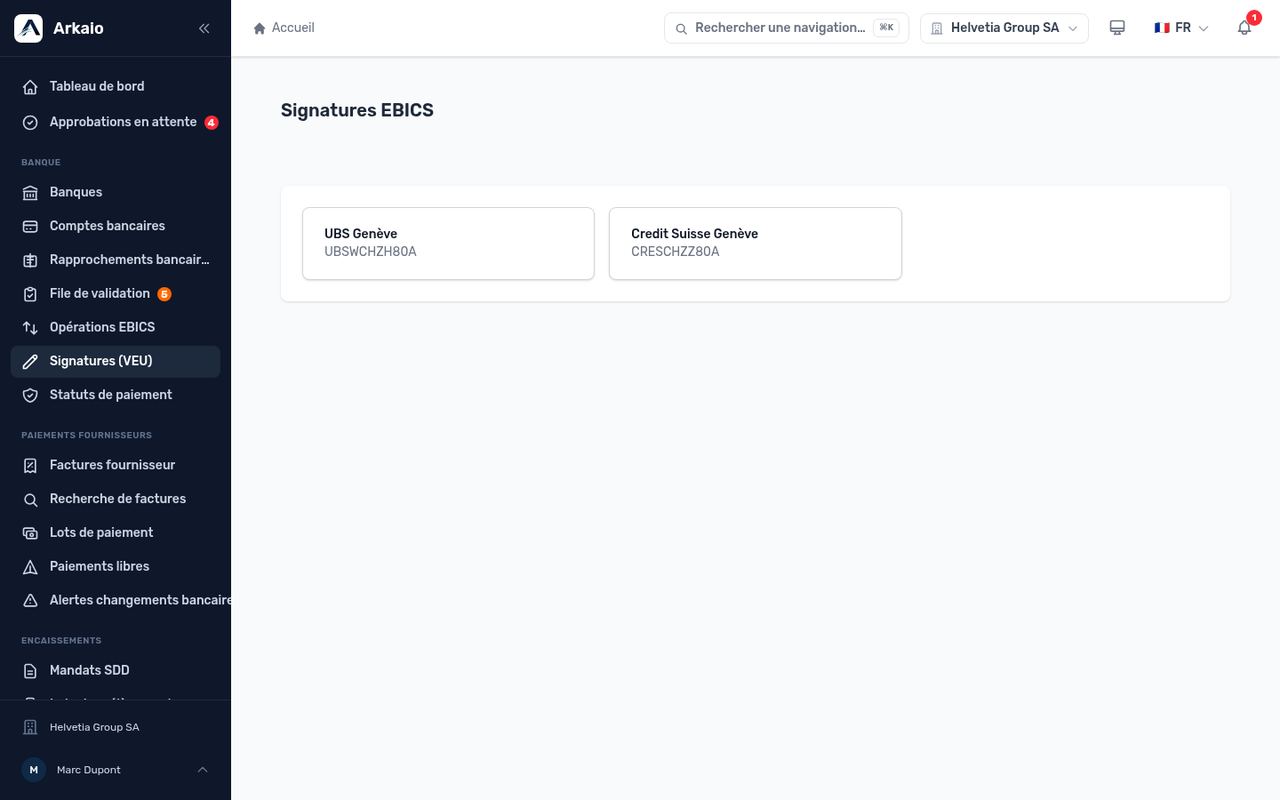
Signatures (VEU) by bank
- Open Signatures (VEU) and choose the bank.
- Open the order and check the details (beneficiaries, amounts).
- Click Sign. If a second signature is required, the order remains pending until another signatory signs it.
Tip — For banks using EBICS TS, signing takes place directly in Arkaio when the order is sent, according to each signatory's signature class (E, A, B).
Updated on October 17, 2026
Can’t find your answer?
Our support team is here to help.
Contact support