Arkaio manages several companies. All the data displayed (accounts, invoices, batches, etc.) relates to the selected company at the top of the screen. To switch, click its name and choose another one.
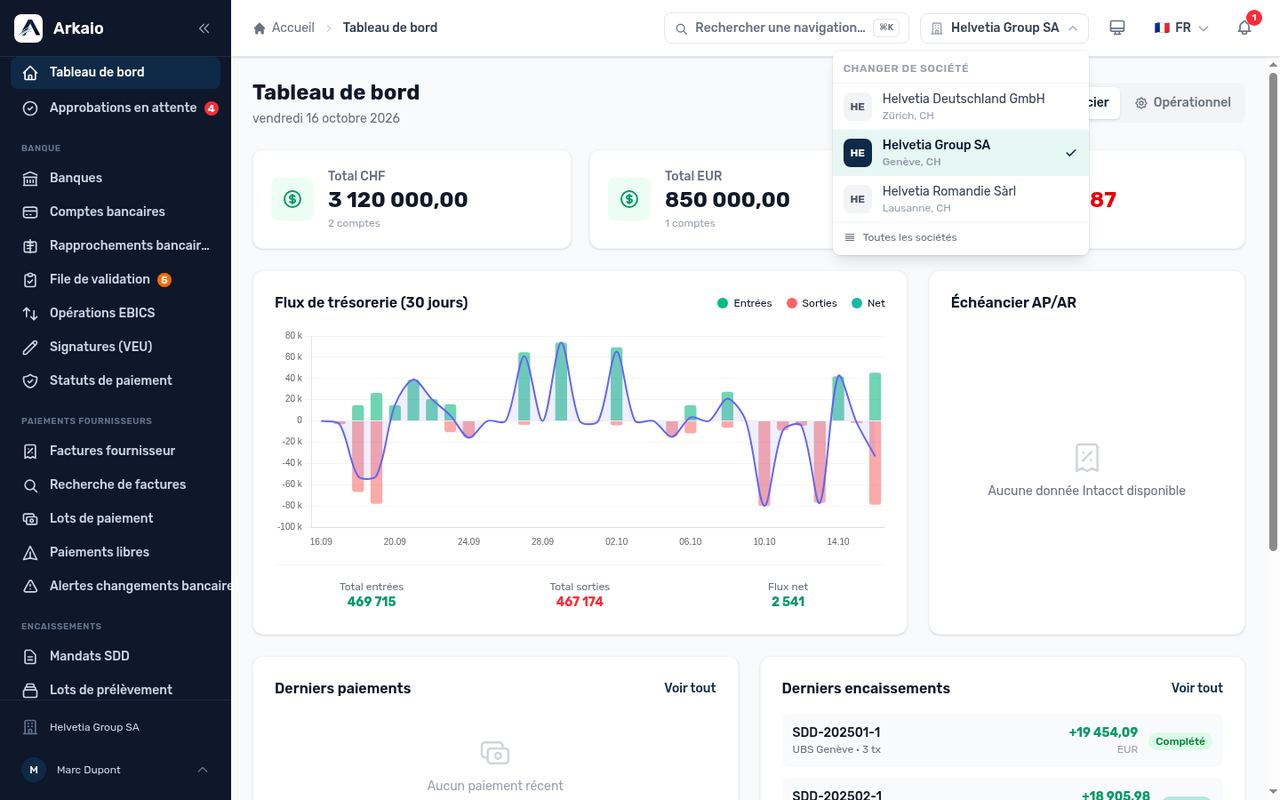
Company switcher
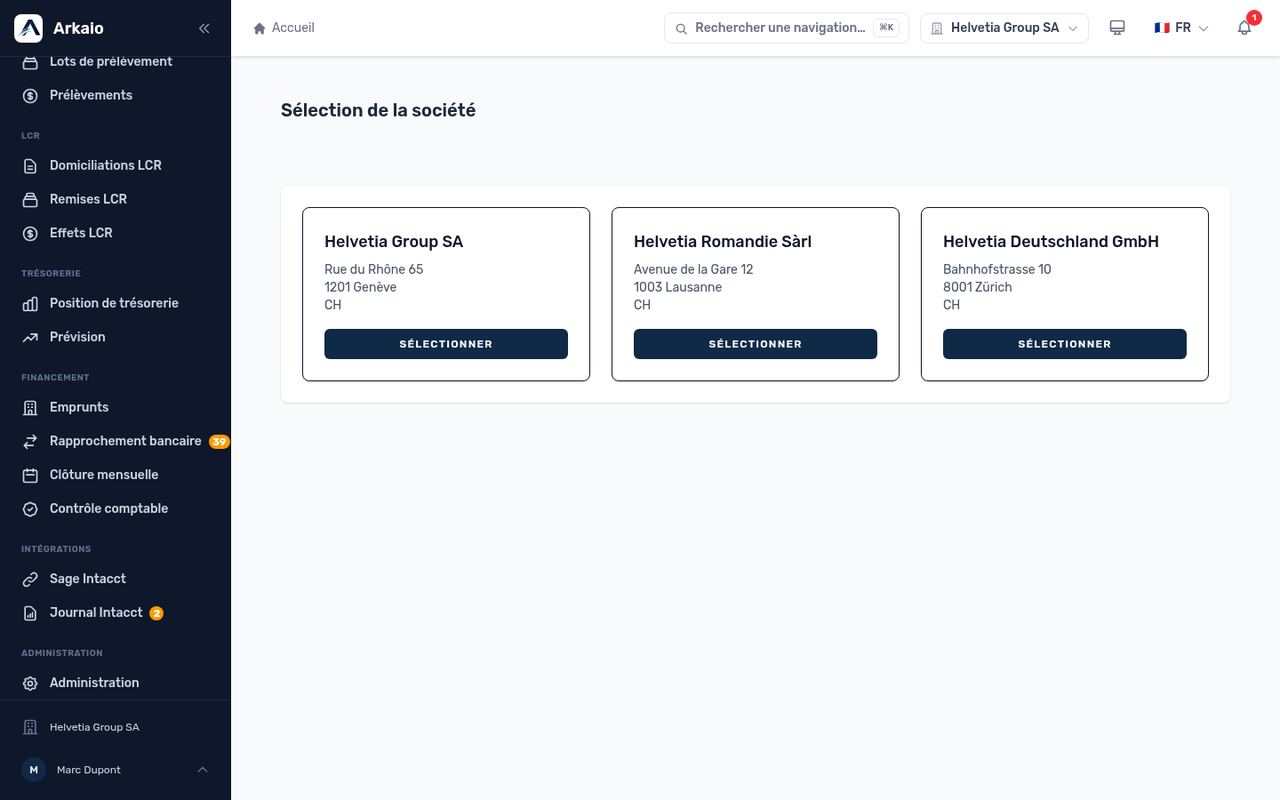
Choosing the working company
Tip — Before preparing a payment, always check the company shown at the top: it is the most common cause of errors.
Updated on October 17, 2026
Can’t find your answer?
Our support team is here to help.
Contact support