Signing in with Sage Intacct
Arkaio has no password of its own: you sign in with your Sage Intacct account. Two-factor authentication is handled by Intacct; Arkaio does not ask for a code again.
- Open Arkaio and enter the organization code provided by your administrator (for example helvetia-group), then click Continue.
- Click Sign in with Sage Intacct.
- On the Sage Intacct page, enter your usual Intacct credentials, then complete the two-factor authentication requested by Intacct.
- You are taken back to Arkaio, on your default company.
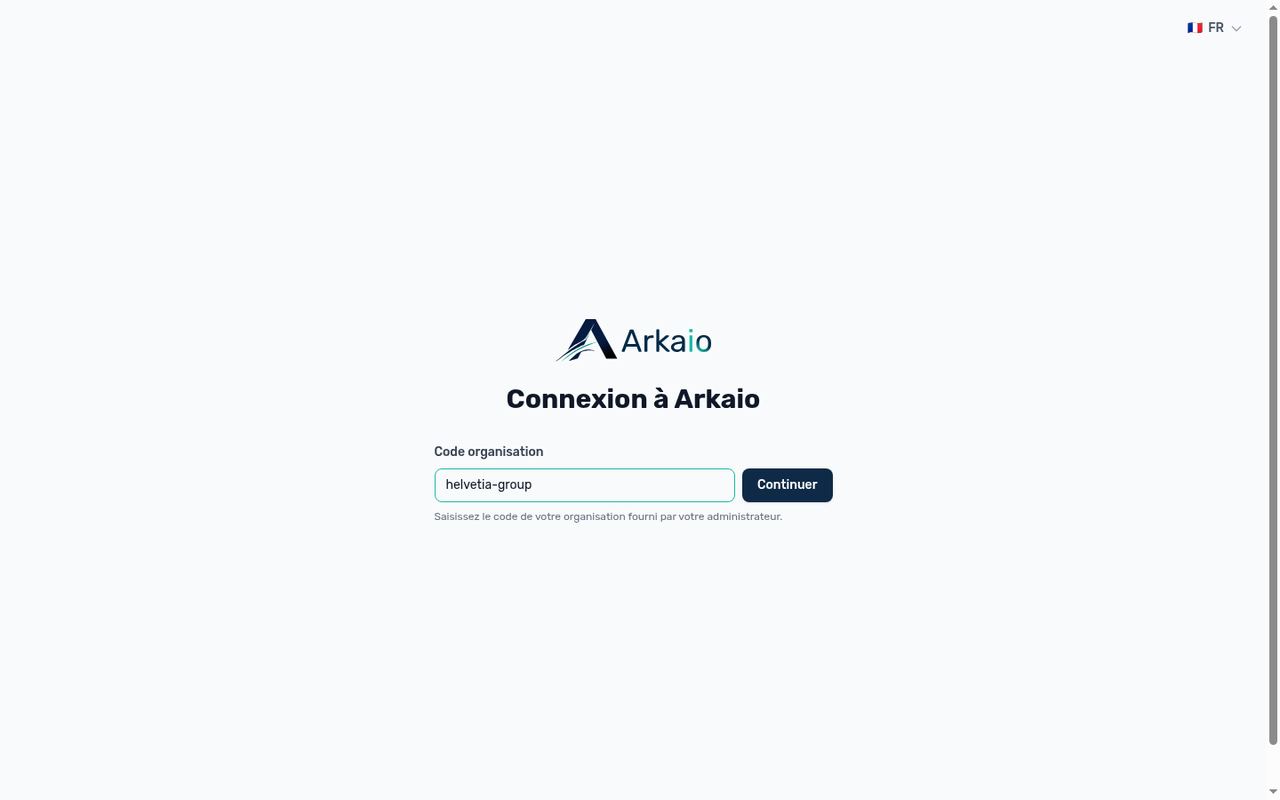
Entering the organization code
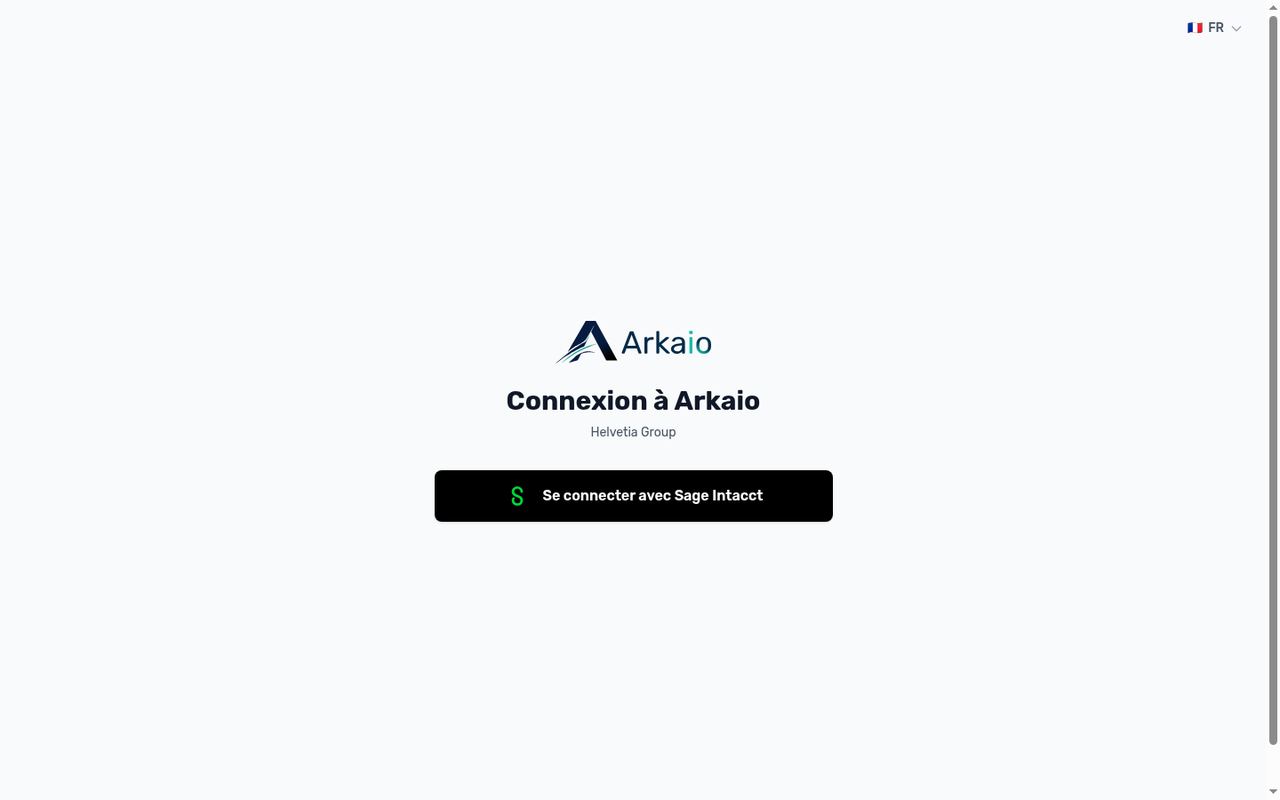
Signing in with Sage Intacct
Tip — Bookmark your organization's sign-in page (the address ending in /login/ followed by the organization code): the code is then already filled in.
Important — The first time you sign in, your access must be approved by an Arkaio administrator: until then, a "pending approval" page is displayed. Never share your Intacct credentials or codes, not even with a colleague or with support.
Updated on October 17, 2026
Can’t find your answer?
Our support team is here to help.
Contact support