The interface is organized into three areas:
- The left-hand menu, grouped by area: Banking, Vendor payments, Collections, LCR, Treasury, Financing, Integrations, Administration. Colored badges flag items that need attention (approvals, review queue, and so on).
- The top bar: quick search (shortcut
Ctrl+K), company selection, language and notifications. - Your profile, at the bottom left: preferences, delegations and sign-out.
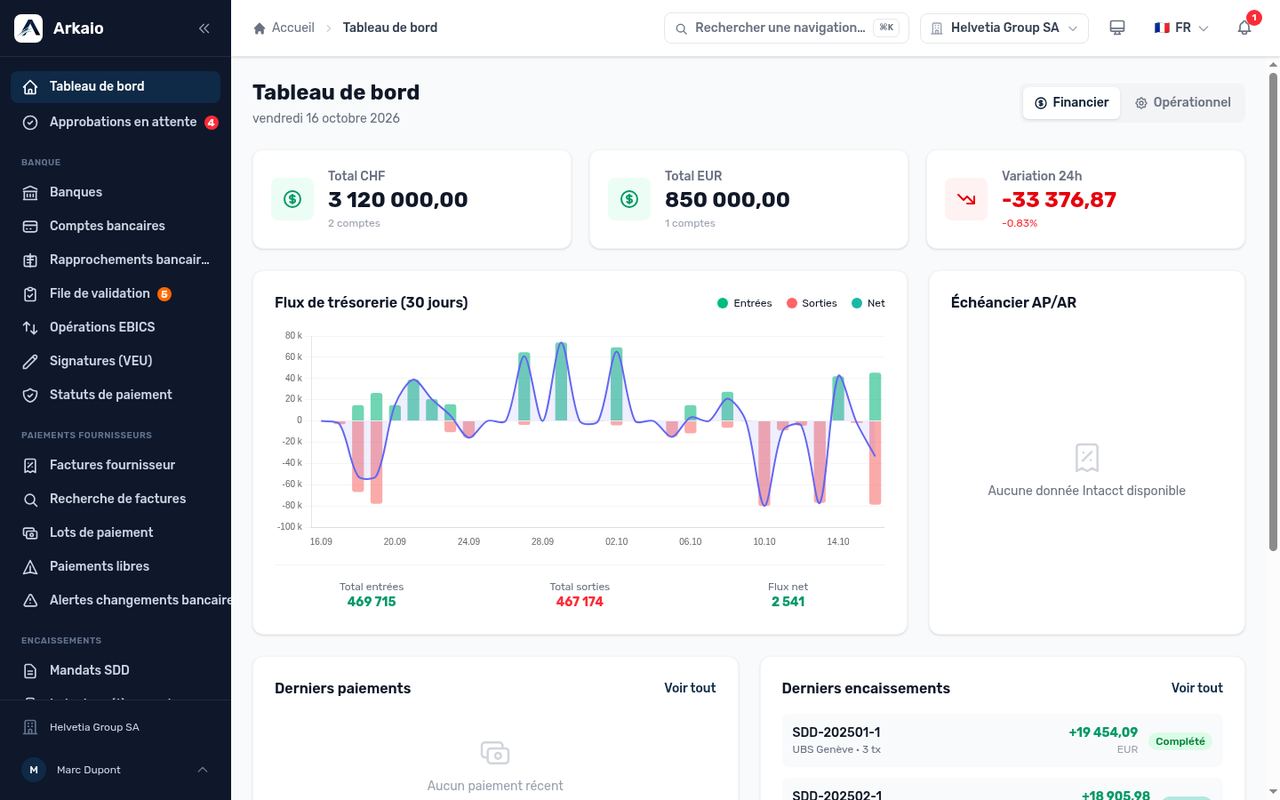
Dashboard — overview
Updated on October 17, 2026
Can’t find your answer?
Our support team is here to help.
Contact support