Administration is in the Administration menu, at the bottom of the sidebar. Only users with the Administrator role can see it. Arkaio has two configuration levels:
| Level | What you configure there | Examples |
|---|---|---|
| Organization (tenant) | Default values shared by all companies in the group, security and connections. | Two-factor authentication, trusted IP addresses, Intacct credentials, default email, users |
| Company | Settings specific to one legal entity. A company can use the tenant value or override it. | Contact details, creditor identifier (ICS), posting method, approval policies, IBAN approvers |
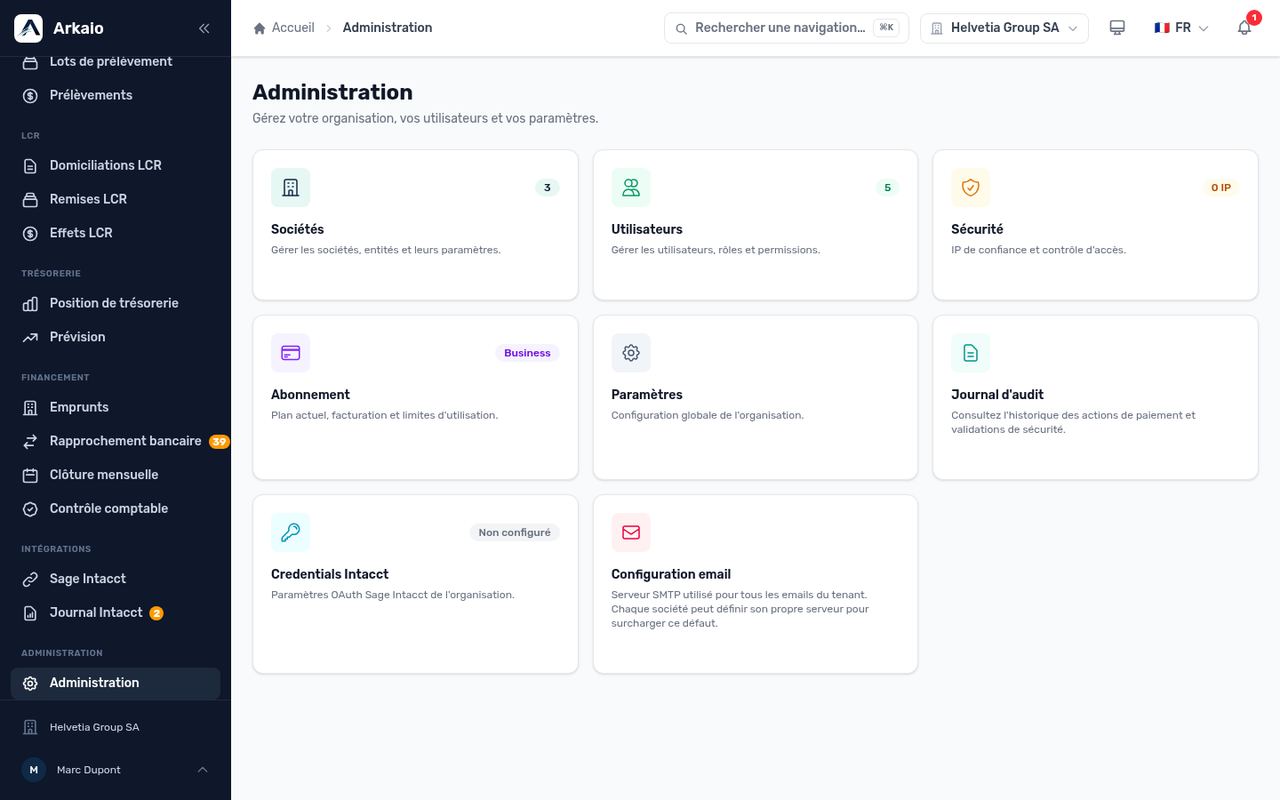
Administration home page
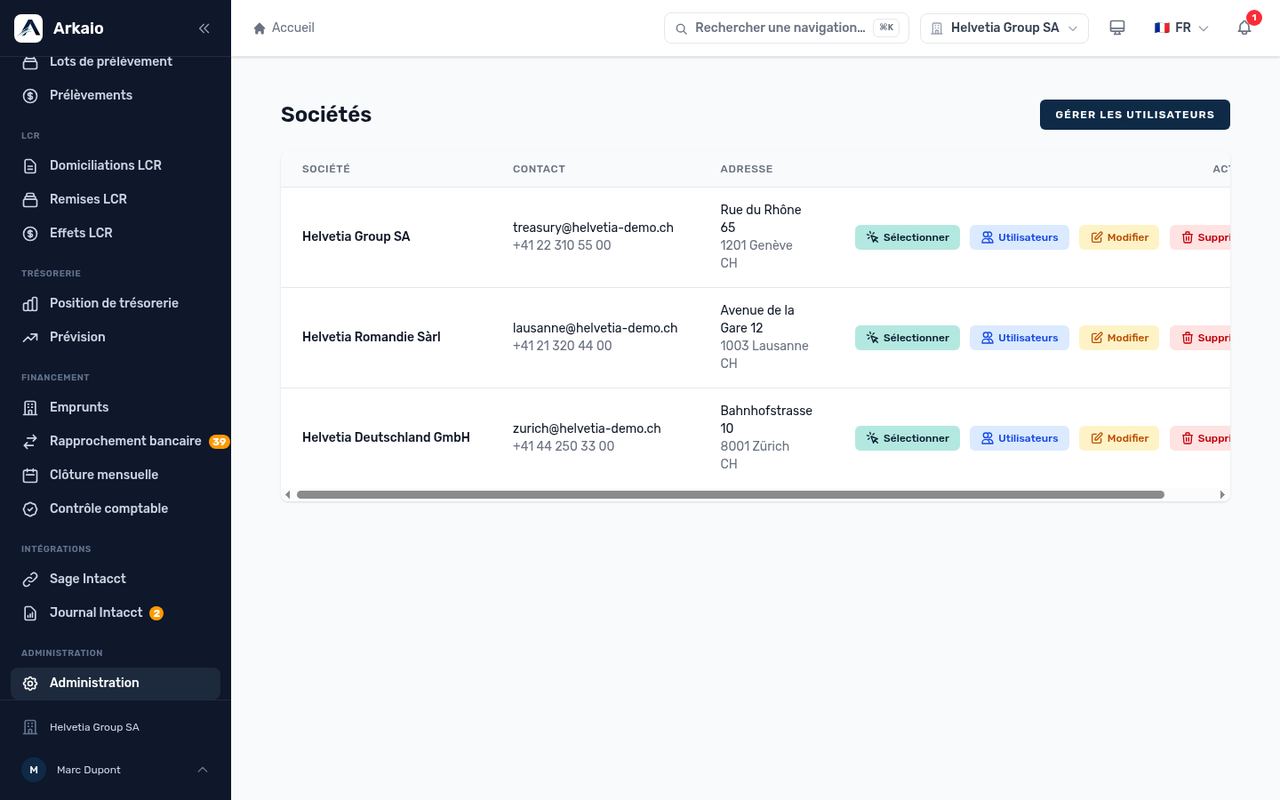
Group companies
A company's tabs
When you open a company, seven tabs appear: Information, Settings, SMTP email, IBAN approvers, Approver groups, Policies and Users. Each one is described in the following chapters.
Updated on October 17, 2026
Can’t find your answer?
Our support team is here to help.
Contact support