
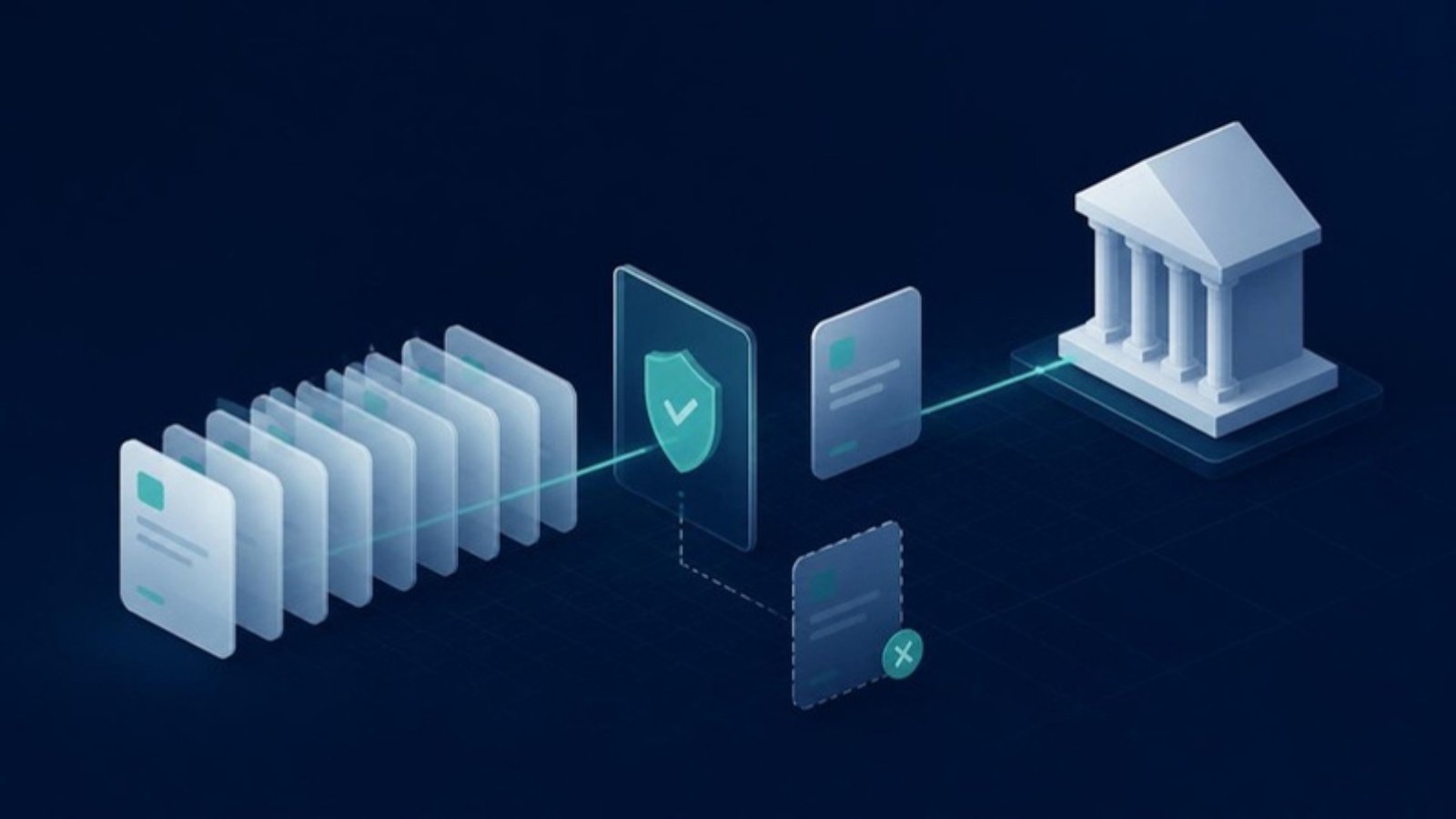
A duplicate payment is a classic accounts-payable problem: recovery from the supplier, reconciliation effort, strained trust. This article looks at where duplicates come from and how several complementary mechanisms prevent them, from invoice selection to bank reconciliation.
Where duplicates come from
Typical causes are an invoice that lands in two payment runs, a batch resent after an error, or an invoice modified after approval. Without technical safeguards, safety depends entirely on users staying alert.
1. A selected invoice disappears from the list
Once an invoice is selected for payment, it is no longer available in the list of invoices to pay. It only reappears if the payment batch is cancelled or fails. Transaction uniqueness is managed live through the Arkaio API.
2. A unique identifier per batch
Arkaio automatically generates a unique identifier for each payment batch and uses it when building the pain.001 file. For how the format works, see pain.001 vs pain.008.
3. Idempotent API calls
If an error occurs during submission, the entries involved are cancelled so that a retry does not create duplicates. A batch in error is cancelled and restarted, with no partial resubmission of the same batch.
4. Frozen amounts
The amounts scheduled for payment are locked in Arkaio as soon as the user enters them. If an invoice is modified after approval, the amount recorded in the batch remains the one that counts.
5. Control up to the bank and beyond
- Until the payment is lodged with the bank, the batch can still be cancelled or its submission rejected.
- Arkaio retrieves the bank's pain.002 notices and alerts the user to an error right after submission.
- The camt.053 statement confirms the batch was processed as expected and reveals rejected transactions, as explained in automated bank reconciliation.
- If a payment fails, the invoices become available for payment again and the user is notified.
Use cases
- SMEs: few payment runs, but a single mistake has a high impact.
- Groups with several banks and entities: many parallel batches, where the unique identifier and selection lock keep things readable.
- Accounting firms: payment runs for many clients, where every action must be traceable.
Limits
The safeguards apply within the payment workflow in Arkaio. An invoice settled outside Arkaio, for example by direct payment, must still be recorded as paid in Sage Intacct. Amounts are locked in Arkaio; later corrections in Sage Intacct remain subject to your users' permissions.
Traceability
A journal of Intacct entries records each transaction and its status, and the user action log shows who did what on each batch.
Key takeaways
Zero duplicates is not a single feature but the combination of selection locking, unique identifiers, idempotency and bank feedback. Securing the bank details themselves is covered in our article on IBAN fraud.