This page is used to download files from the bank (camt.053 statements, camt.054 notifications, pain.002 status reports) and to send files to the bank. The history at the bottom of the page lists all operations with their result.
- Choose the bank.
- Choose the file type (for example Account statement).
- Enter the period, then click Download.
- Check the result in the history.
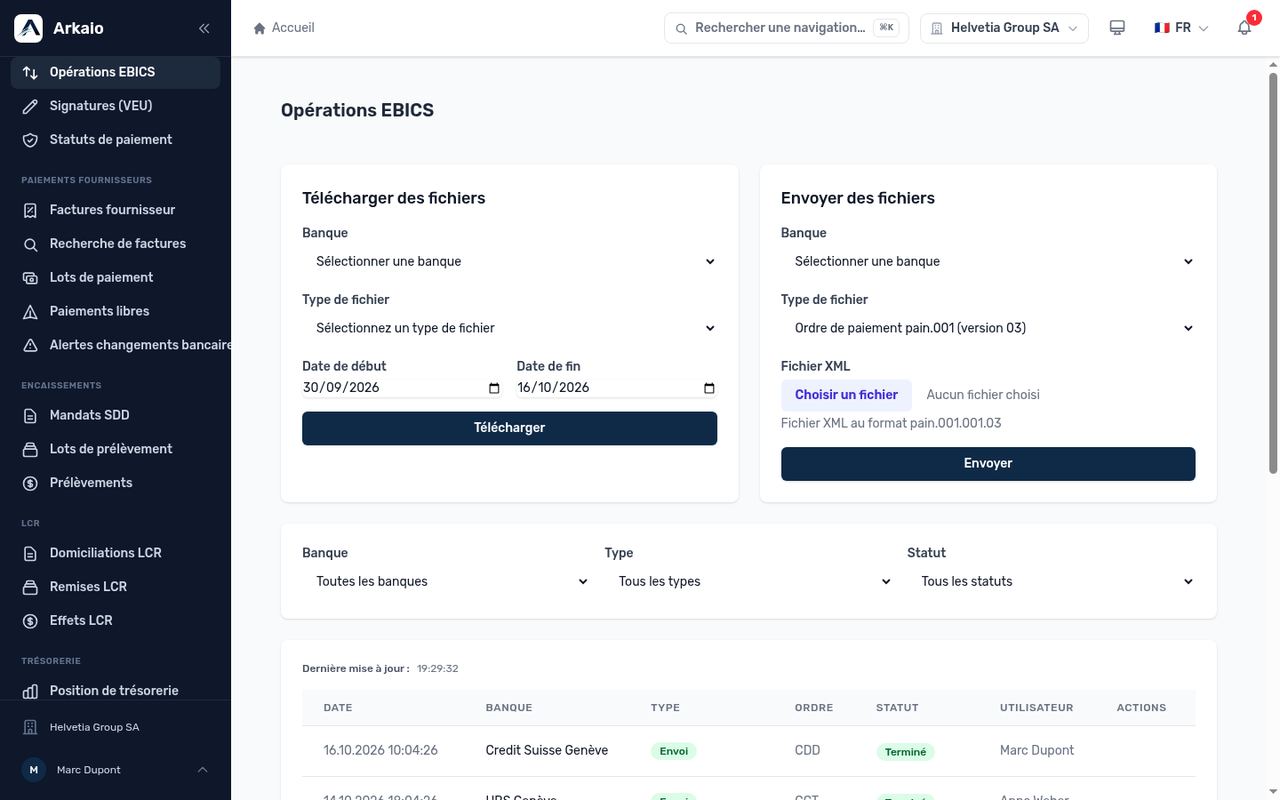
EBICS operations — download, upload and history
Tip — Under normal circumstances, statements are retrieved automatically every day. Manual download is used to catch up on a missing day or to check a transaction.
Updated on October 17, 2026
Can’t find your answer?
Our support team is here to help.
Contact support